> ## Documentation Index
> Fetch the complete documentation index at: https://support.contenta.ai/llms.txt
> Use this file to discover all available pages before exploring further.
# Subscription & Billing
> Manage your Contenta AI plan, payment method, invoices, and billing history.
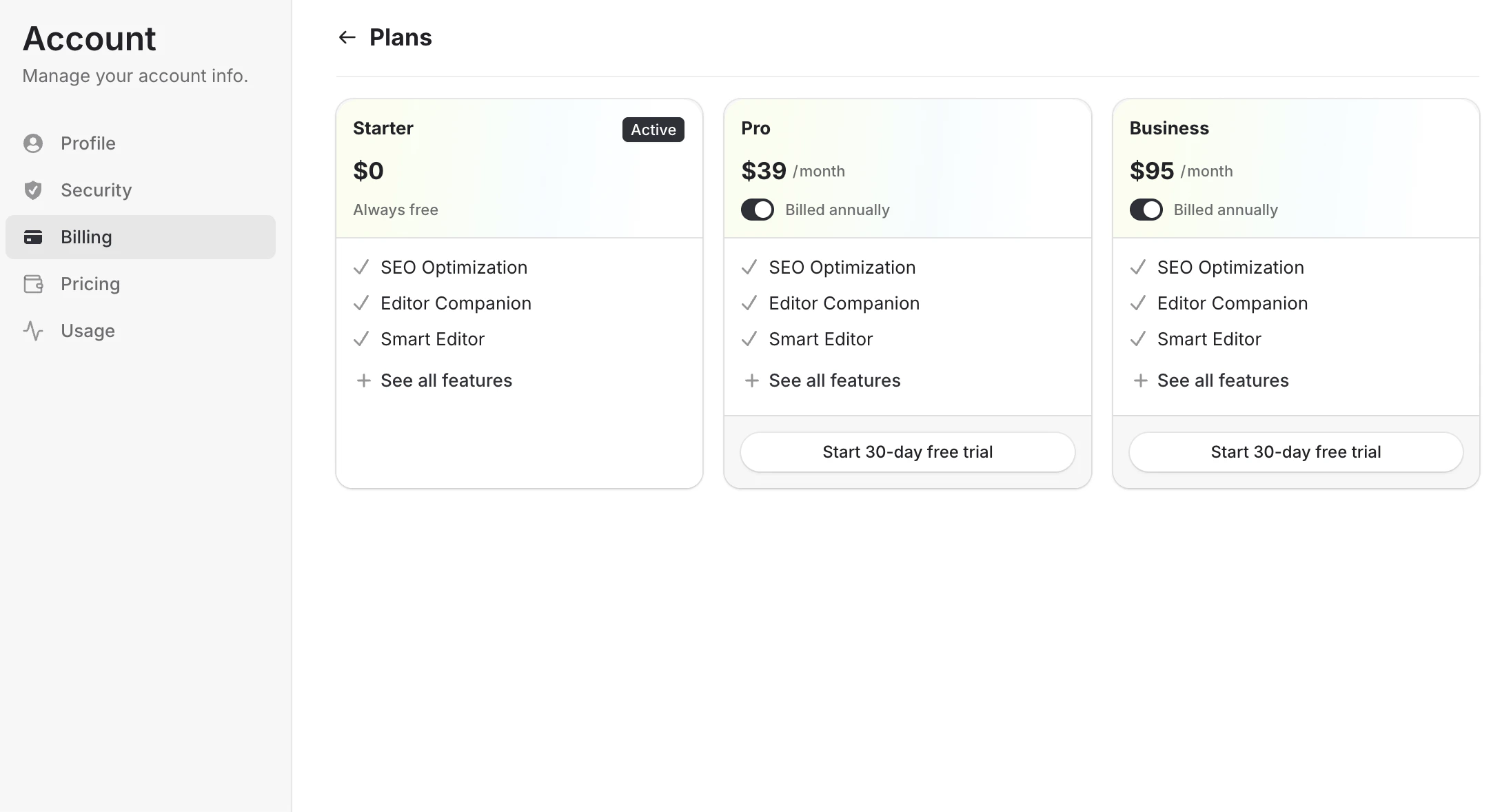
The [Subscription & Billing](https://www.app.contenta.ai/en/dashboard/settings/billing) section allows you to manage your Contenta AI plan, payment methods, invoices, and account billing preferences in one place. From here, you can review your current subscription, upgrade to a paid plan, activate special offers, and manage future payments securely.
## To access Subscription & Billing
Log in to your dashboard using your registered email address or connected sign-in provider.
Click Settings in the bottom-left corner of the dashboard sidebar.
Inside the Account menu, choose [Billing](https://www.app.contenta.ai/en/dashboard/settings/billing) to open your subscription and payment settings.
Inside Billing, you can access the following areas:
* **Subscription** - View your current plan, switch plans, or upgrade your account
* **30-day free trial** - Start a free trial for eligible paid plans such as Pro or Business
* **Annual billing discount** - Save more by switching from monthly billing to annual plans
* **Payment methods** - Add, remove, or update your credit or debit card
* **Statements** - View billing history, receipts, and invoices
* **Payments** - Review successful and upcoming charges
 Use this section anytime you want to upgrade your workspace, manage payments, or optimize your subscription costs.
Have a question not covered here? Email the Contenta AI support team at [support@contenta.ai](mailto:support@contenta.ai)
Use this section anytime you want to upgrade your workspace, manage payments, or optimize your subscription costs.
Have a question not covered here? Email the Contenta AI support team at [support@contenta.ai](mailto:support@contenta.ai)