
To access Subscription & Billing
1
Sign in to your Contenta AI account
Log in to your dashboard using your registered email address or connected sign-in provider.
2
Open Settings
Click Settings in the bottom-left corner of the dashboard sidebar.
3
Select Billing
Inside the Account menu, choose Billing to open your subscription and payment settings.
4
Manage your billing preferences
Inside Billing, you can access the following areas: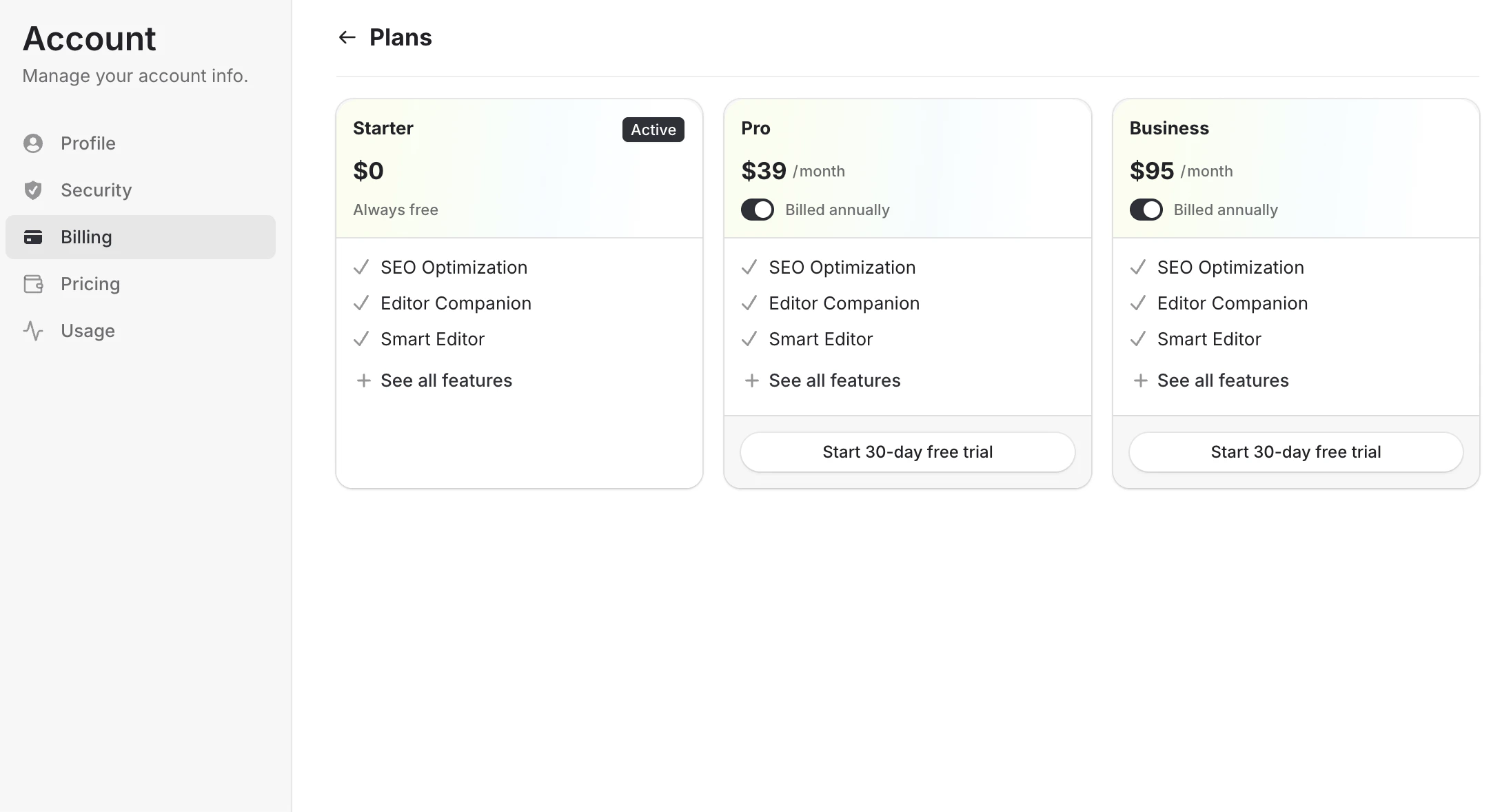
- Subscription - View your current plan, switch plans, or upgrade your account
- 30-day free trial - Start a free trial for eligible paid plans such as Pro or Business
- Annual billing discount - Save more by switching from monthly billing to annual plans
- Payment methods - Add, remove, or update your credit or debit card
- Statements - View billing history, receipts, and invoices
- Payments - Review successful and upcoming charges
Have a question not covered here? Email the Contenta AI support team at support@contenta.ai